
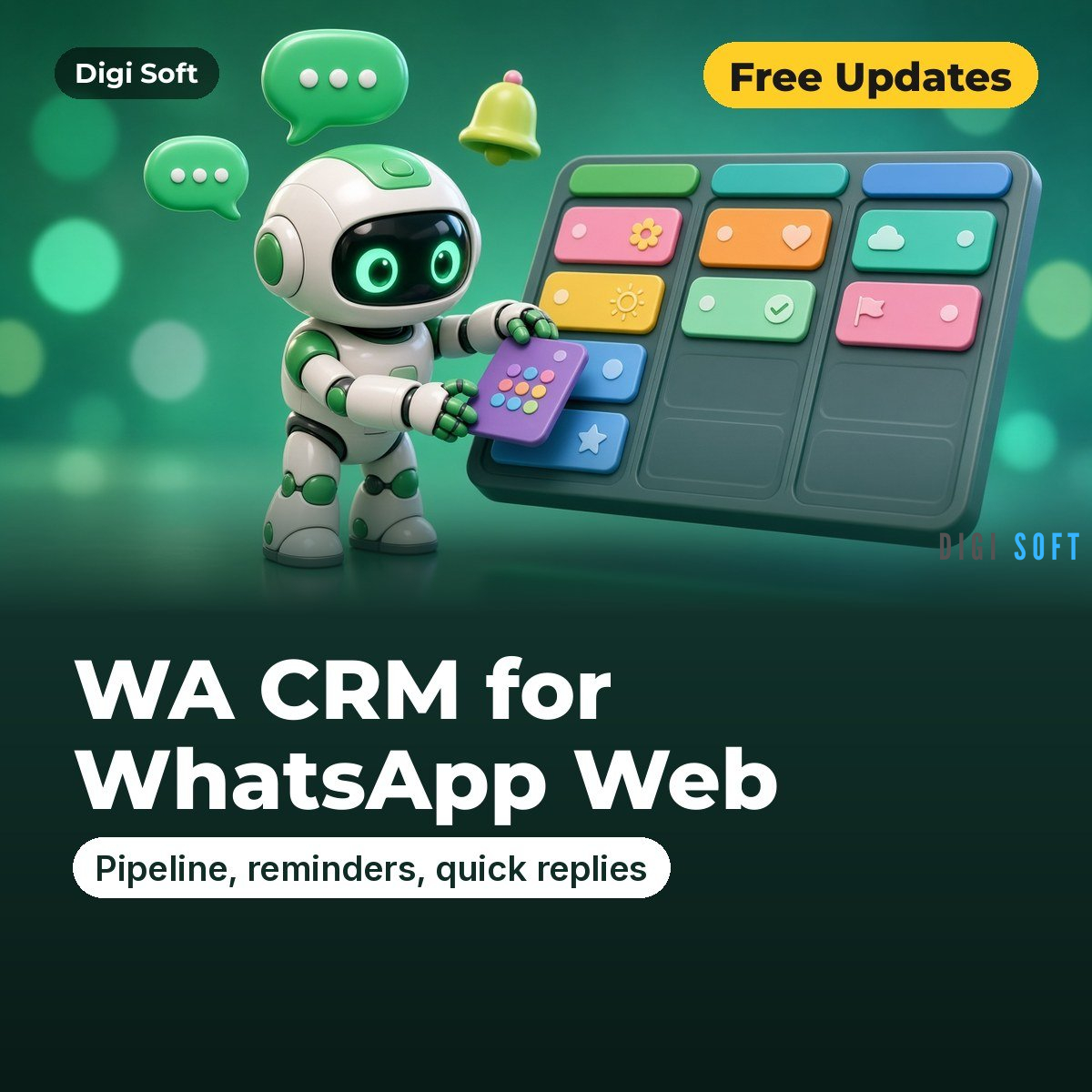
Digi Soft WA CRM for WhatsApp Web (Chrome) · Monthly, 1 Year or Lifetime
Turn WhatsApp Web into a simple sales CRM: stages, labels, notes, deal value, follow-up reminders, quick replies (you press Send), Kanban pipeline, filters, privacy blur, import / export and backups. All data stays on your PC.
Choose your plan
- Monthly ₹299: 30 days of full access
- 1 Year ₹999: 365 days of full access (most popular)
- Lifetime ₹1,999: pay once, use forever
All prices are inclusive of GST. Select the plan above before you buy. Version 2.0.1.
How activation works
- After payment, open license.digisoftwar.com/claim and enter your Order ID, order email, name and WhatsApp number.
- We verify your order (usually within a few hours) and send you a WhatsApp message.
- Open the extension, enter the same name and WhatsApp number, and type the one-time code we send to your WhatsApp. Done.
- One licence works on up to 2 devices. The extension shows your plan, expiry date and days left. To move to a new computer, use Transfer device or contact support.
Key features
- CRM panel on the right of WhatsApp Web (Alt+Shift+C): stage, coloured labels, deal value, notes, custom fields, follow-up date, reminder, stage history
- Quick replies with folders, /shortcuts and variables; Alt+Q picker; text is only inserted, you press Send
- Today list: overdue / today / next 7 days follow-ups with Open, Done, Snooze
- Chat filters: unread, follow-up due, in CRM, not in CRM, stage, label; stage chips in the chat list
- Reminders with Chrome notifications (Open chat / Snooze 1 hour), daily summary, badge count
- Dashboard (Alt+Shift+D): Kanban drag and drop, contacts table with bulk edits, stats (per stage, pipeline and won value, win rate)
- Import CSV / Excel / JSON, export CSV / Excel / JSON and Google Sheets CSV, backup / restore, automatic daily snapshots
- Privacy blur for screen sharing (Alt+Shift+P), click-to-chat for unsaved numbers
- No bulk messaging, no auto-send, no anti-ban tricks, no group scraping; data stays in your browser
Export formats: CSV (UTF-8 BOM), Excel .xlsx, JSON, Google Sheets CSV (all include a wa.me link), Backup file (full restore, merge or replace), Import from CSV / Excel / JSON with automatic column matching.
Installation & Video Guide
Video: Chrome Developer Mode — How to Enable, Load Unpacked Extensions & Install Without Web Store (2026) (0:46). Also: How to Use a Zip File to Get a Chrome Extension | How to Install Unpacked Extensions in Chrome (0:40).
- Download the ZIP after purchase and extract it (right-click > Extract All).
- Open chrome://extensions and turn on Developer mode (top right).
- Click Load unpacked and select the extracted folder that contains manifest.json.
- Pin the extension from the puzzle-piece menu.
- Click the Digi Soft icon and activate with your WhatsApp number (see How activation works).
- Open WhatsApp Web, refresh the page (F5) and click the Digi Soft icon.
The ZIP includes INSTALL-GUIDE.html, INSTALL-GUIDE.txt and USAGE-GUIDE.html, and the extension has a Help / How to use button.
How to use
- Open web.whatsapp.com and log in. Press F5 once after installing. Allow notifications if Chrome asks.
- Open a chat and click CRM (or press Alt+Shift+C). Set a stage, labels, deal value, notes and a follow-up date, then Save.
- Create quick replies in the Replies tab or the dashboard. In a chat press Alt+Q, pick a reply, press Enter to insert it, check it, then press Send yourself.
- Open the Dashboard from the toolbar icon to drag deals across the Kanban board, see stats and manage follow-ups.
- Use Import / Export / Backup in the dashboard to import an Excel list, export your contacts or save a backup file.
Good to know
- The phone number is shown only when WhatsApp exposes it; some contacts (privacy ids) are kept by name.
- "Open chat" from a reminder or click-to-chat reloads the WhatsApp tab. Notifications need Chrome to be running.
Legal: Use exported data responsibly. Only collect data you are allowed to see, follow the website's / app's Terms of Service, and follow India's Digital Personal Data Protection (DPDP) Act, 2023: have a lawful purpose, keep the data safe, delete it when you no longer need it, and honour opt-out requests. Do not send spam or unsolicited bulk messages, and do not sell or share personal data. Digi Soft tools are not affiliated with Google, JustDial, IndiaMART, WhatsApp, Meta or Telegram.
Support: WhatsApp +91 95665 27786 · [email protected]
Updates: Free updates while your plan is active (Lifetime includes 6 months of free updates, then an optional update pack). If the site layout changes, we send you a new ZIP via WhatsApp or email.
No reviews found!





No comments found for this product. Be the first to comment!