



Digi Soft WA + Telegram Chrome Tools Bundle (Chrome) · Monthly, 1 Year or Lifetime
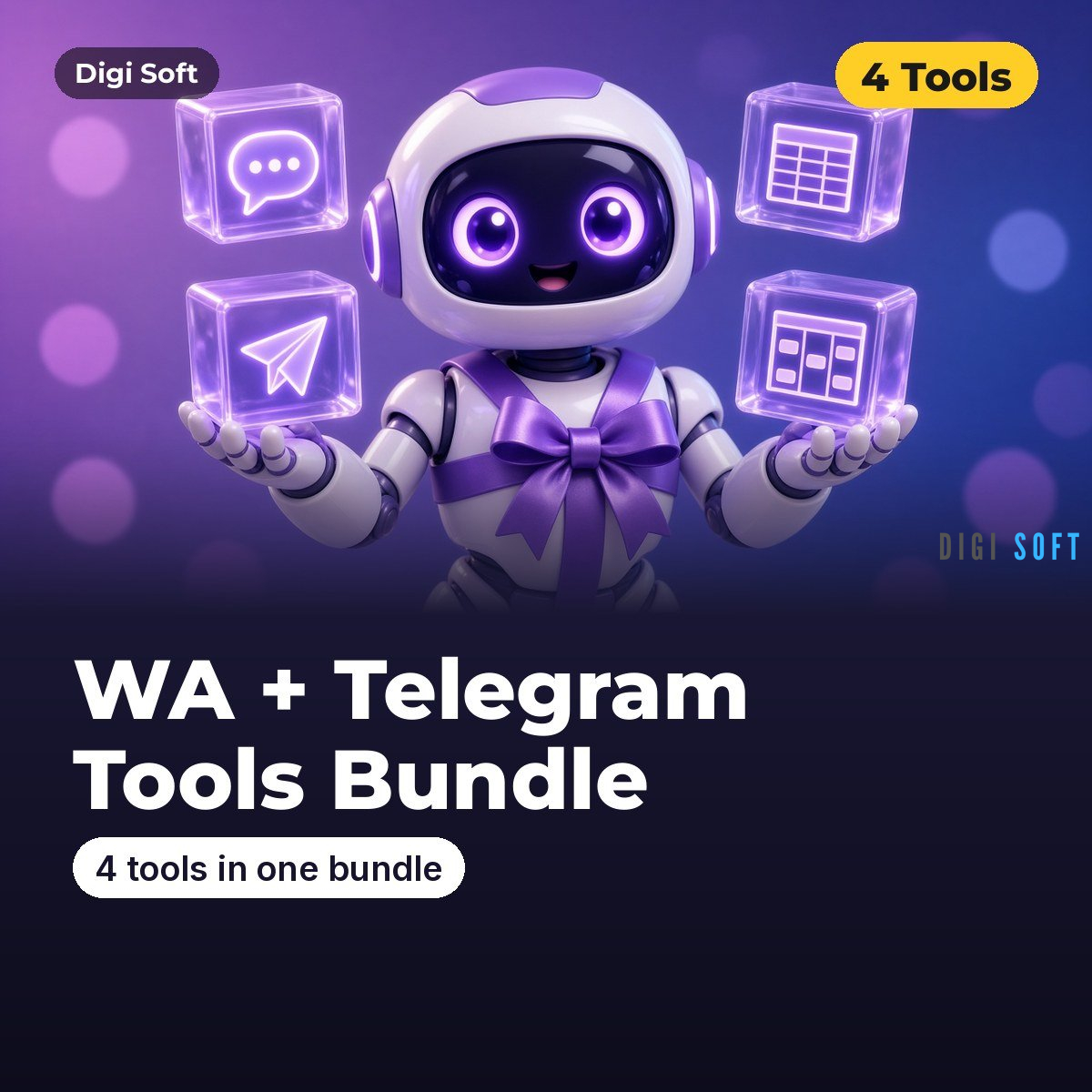
All four Digi Soft WhatsApp and Telegram tools in one ZIP: WA Groups & Communities Exporter, WA Recent Chats Exporter, Telegram Groups & Channels Exporter and WA CRM for WhatsApp Web. One licence unlocks all 4 tools, and it costs less than buying them separately (1 Year: ₹1,499 instead of ₹1,996; Lifetime: ₹2,999 instead of ₹3,996).
Choose your plan
- Monthly ₹449: 30 days of full access
- 1 Year ₹1,499: 365 days of full access (most popular)
- Lifetime ₹2,999: pay once, use forever
One licence unlocks all 4 tools: WA Groups, WA Chats, Telegram and WA CRM.
All prices are inclusive of GST. Select the plan above before you buy. Version 2.0.1 (WA Groups, WA Chats, Telegram and WA CRM).
How activation works
- After payment, open license.digisoftwar.com/claim and enter your Order ID, order email, name and WhatsApp number.
- We verify your order (usually within a few hours) and send you a WhatsApp message.
- Open any of the 4 tools, enter the same name and WhatsApp number, and type the one-time code we send to your WhatsApp. Repeat in each tool you use with the same number. Done.
- One licence unlocks all 4 tools, each on up to 2 devices. Each tool shows your plan, expiry date and days left. To move to a new computer, use Transfer device or contact support.
Key features
- WA Groups & Communities Exporter v2: list groups, export members (names, visible numbers, admins), Excel / CSV / clipboard
- WA Recent Chats Exporter v2: chat list with last time, unread, archived / pinned / group flags, labels, date filters
- Telegram Groups & Channels Exporter v2: groups / channels with @username, link, members, type; visible member lists
- WA CRM v2: stages, notes, reminders, quick replies (you press Send), Kanban, import / export, backups
- Same dashboard style, Diagnostics and Help in every tool; all read-only or insert-only, no bulk messaging
Export formats: Exporters: CSV, Excel (multi-sheet), clipboard, JSON, export history, CRM: CSV, Excel, JSON, Google Sheets CSV, backup / restore.
Installation & Video Guide
Video: Chrome Developer Mode — How to Enable, Load Unpacked Extensions & Install Without Web Store (2026) (0:46). Also: How to Use a Zip File to Get a Chrome Extension | How to Install Unpacked Extensions in Chrome (0:40).
- Download the ZIP after purchase and extract it (right-click > Extract All).
- Open chrome://extensions and turn on Developer mode (top right).
- Click Load unpacked and select each tool folder (wa-groups, wa-chats, tg-groups, wa-crm) one by one.
- Pin the tools from the puzzle-piece menu.
- Click each Digi Soft icon and activate with your WhatsApp number; one licence unlocks all 4 tools (see How activation works).
- Open WhatsApp Web and Telegram Web, refresh the page (F5) and click the Digi Soft icon.
The ZIP includes INSTALL-GUIDE.html, INSTALL-GUIDE.txt and USAGE-GUIDE.html, and the extension has a Help / How to use button.
How to use
- Extract the bundle ZIP. You will see four folders: wa-groups, wa-chats, tg-groups, wa-crm.
- In chrome://extensions (Developer mode on) press Load unpacked and select one of these folders. Repeat for each tool you want. Do not select the top bundle folder.
- Pin the tools you use most.
- Open web.whatsapp.com (and/or web.telegram.org) and log in.
- Use each tool as described in its own USAGE-GUIDE.html inside its folder.
Good to know
- See each tool's guide for its limits. WhatsApp and Telegram show phone numbers only where their privacy settings allow.
Legal: Use exported data responsibly. Only collect data you are allowed to see, follow the website's / app's Terms of Service, and follow India's Digital Personal Data Protection (DPDP) Act, 2023: have a lawful purpose, keep the data safe, delete it when you no longer need it, and honour opt-out requests. Do not send spam or unsolicited bulk messages, and do not sell or share personal data. Digi Soft tools are not affiliated with Google, JustDial, IndiaMART, WhatsApp, Meta or Telegram.
Support: WhatsApp +91 95665 27786 · [email protected]
Updates: Free updates while your plan is active (Lifetime includes 6 months of free updates, then an optional update pack). If the site layout changes, we send you a new ZIP via WhatsApp or email.
No reviews found!









No comments found for this product. Be the first to comment!