
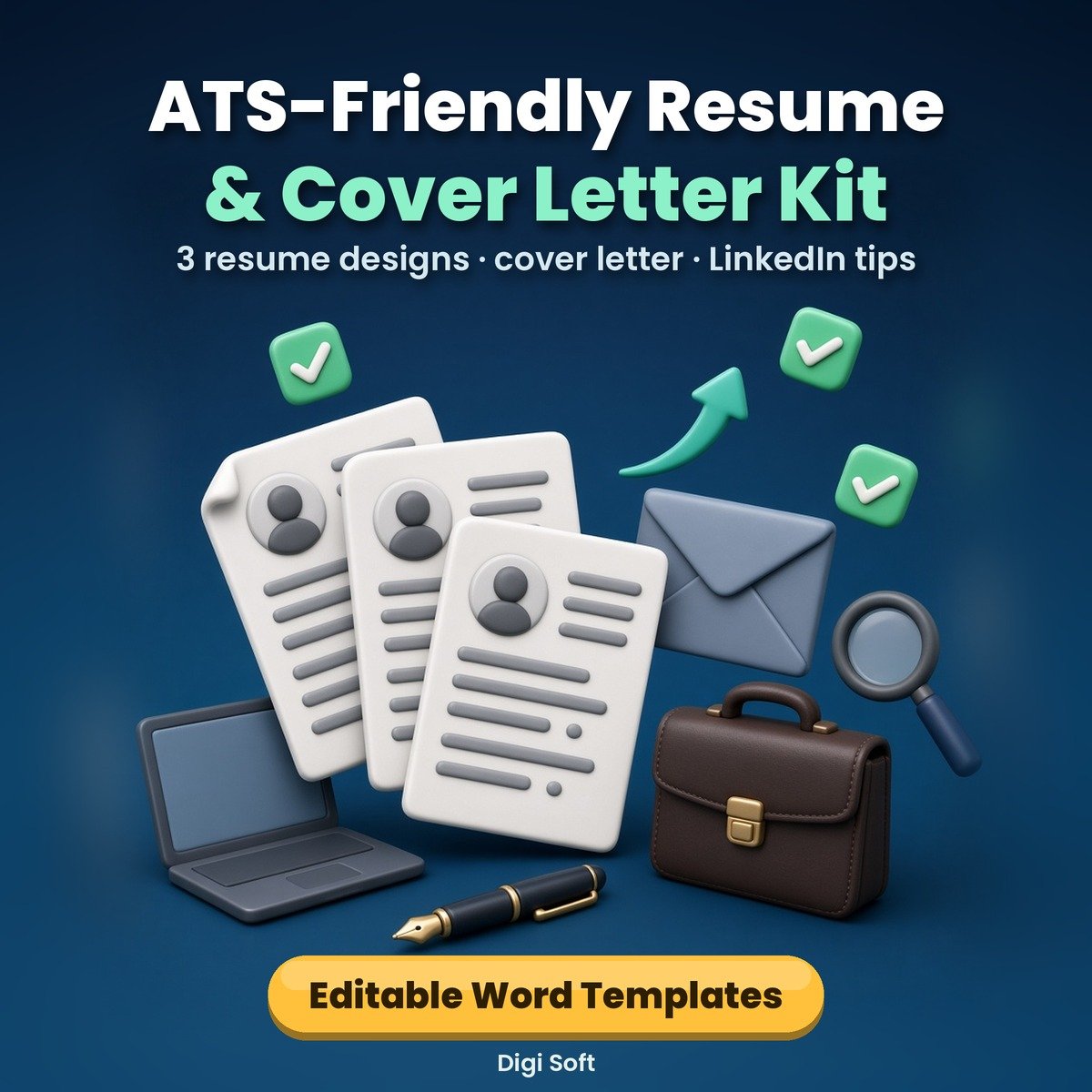
Many companies and job portals scan resumes with software before a recruiter reads them. Fancy two-column designs with icons and photos often scan badly. These templates keep to what scans cleanly, a single column, standard headings and real text, while still looking neat and professional.
What you get
- Resume 1, Fresher Classic (DOCX): career objective, education first, internship and projects, certifications, optional declaration
- Resume 2, Experienced Professional (DOCX): summary, core skills line, achievement bullets, notice period / location line
- Resume 3, Modern Tech (DOCX): grouped technical skills, experience, projects with links, GitHub / portfolio line
- Cover Letter (DOCX): 4-paragraph structure with Subject line and [bracket] placeholders
- 15-page A4 guide + previews (PDF): ATS basics, choosing a design, section-by-section guide, weak vs strong bullet points, 80 action verbs, India-specific details (photo, DOB, CTC, notice period, declaration, gaps), fresher tips and common mistakes, cover letter guide, LinkedIn headline and About tips, final checklist, previews of all 4 templates
Files included
- Resume-1-Fresher-Classic.docx, Resume-2-Experienced-Professional.docx, Resume-3-Modern-Tech.docx, Cover-Letter-Template.docx (A4; open in MS Word, Google Docs, WPS, LibreOffice)
- ATS-Resume-Kit-Guide-and-Previews.pdf (15 pages, A4)
- README.txt
Who it is for
Final-year students and freshers, professionals with 2 to 15 years of experience, career switchers and anyone updating their resume for job portals and company websites.
Please note
Original templates and guide by Digi Soft. All names, companies and numbers in the samples are fictional placeholders; replace them with your own true details. No template can promise interviews, shortlisting or a job. Images on this page are illustrations. Instant digital download after payment, for personal use.
How to pay: only through the digisoftwar.com checkout (Razorpay). We never ask you to pay by any other link, QR code or bank account. If anyone asks you to, do not pay, and tell us at [email protected] or on WhatsApp +91 95665 27786.
FAQ
Can I edit it in Google Docs?
Yes. Upload the .docx to Google Drive and open it with Google Docs, or use MS Word, WPS Office or LibreOffice. Then download as PDF for uploading.
Is it really ATS-friendly?
The templates use a single column, standard headings, no tables, text boxes, icons or photos, and real text, which is what scanning software reads best. No one can guarantee how a particular company's system will rank a resume.
Is it suitable for freshers?
Yes. Resume 1 is designed for freshers, with education, internships and projects first. The guide has a page of fresher tips.
Should I add a photo or date of birth?
For most private-sector jobs in India they are not needed. The guide explains when to include personal details.
Is it a physical product?
No. It is an instant digital download.
No reviews found!

No comments found for this product. Be the first to comment!