
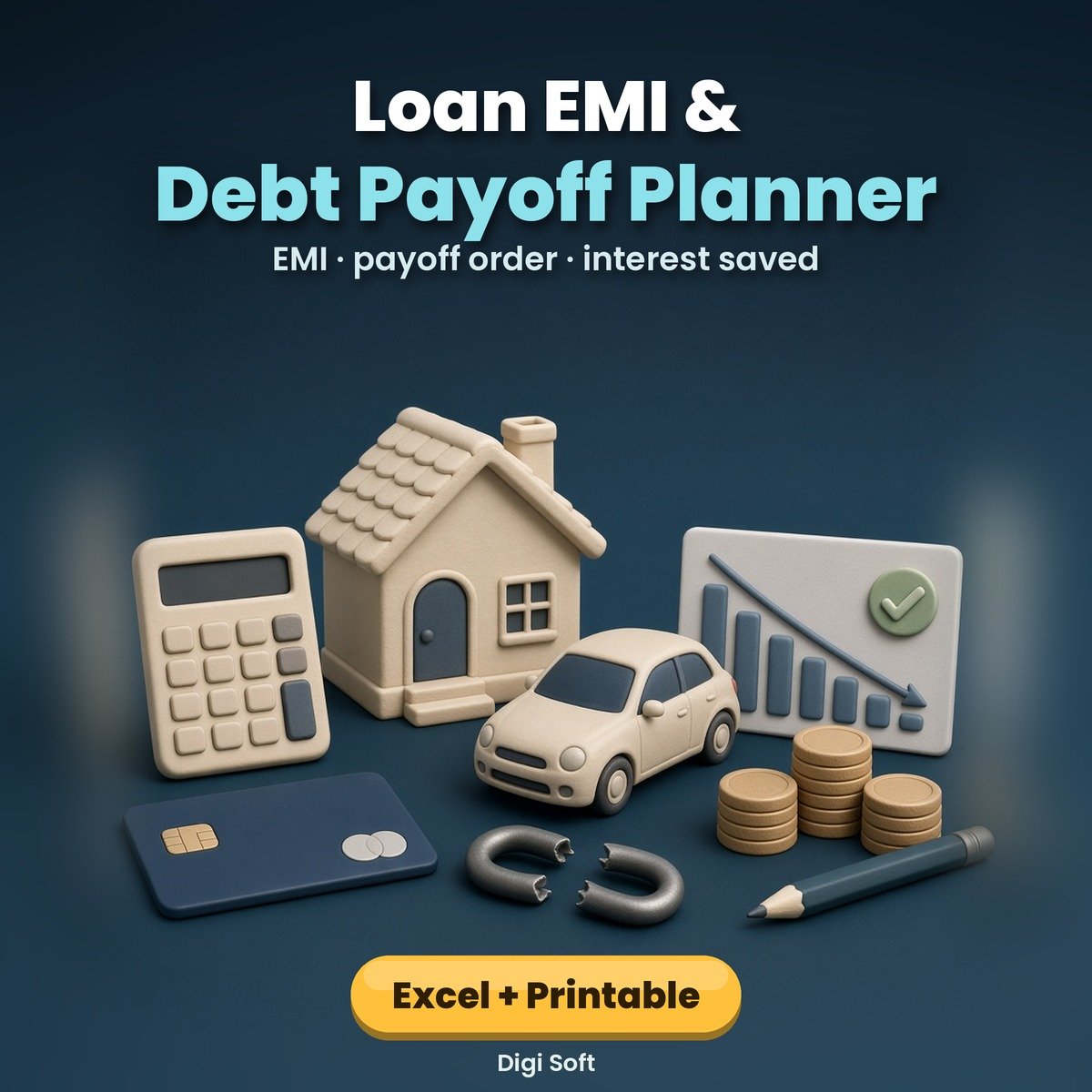
Several EMIs and a credit card bill can feel endless. This planner shows the full picture in rupees, tells you which loan to attack first and shows how much sooner you can be debt-free by adding even a small extra amount each month.
What you get
- Excel / Google Sheets with 9 tabs: up to 8 loans (months left, payoff date, interest left, avalanche and snowball order, FOCUS loan, EMI-to-income %)
- Month-by-month payoff plan: pays every EMI, puts your extra amount on the focus loan and rolls closed EMIs on to the next; shows debt-free month and interest saved
- EMI calculator with a full schedule and part-payment column, prepayment calculator (extra monthly and / or lump sum: months and interest saved), credit card bill tracker (PAID / MIN PAID / DUE / OVERDUE), payment log and dashboard
- 14-page printable A4 PDF: how payoff works, avalanche vs snowball with an example, loans list, EMI worksheet, payoff order planner, 8 payoff trackers, 12-month EMI calendar, card bill tracker, prepayment planner, find-the-extra worksheet, debt rules and pledge, milestones log and yearly review
Files included
- Loan-EMI-Debt-Payoff-Planner.xlsx (opens in Excel, Google Sheets, LibreOffice, WPS)
- Loan-EMI-Debt-Payoff-Planner.pdf (14 pages, A4, print-ready)
- README.txt
Who it is for
Anyone paying home, car, two-wheeler, personal, education, gold or consumer EMIs, or carrying a credit card balance, who wants a clear plan.
Please note
An original estimate tool by Digi Soft. Results are estimates; real interest, floating-rate changes, prepayment charges and tax effects depend on your lender and your situation. Check your loan statement and ask your lender before prepaying. It is not financial advice. Images on this page are illustrations. Instant digital download after payment, for personal use.
How to pay: only through the digisoftwar.com checkout (Razorpay). We never ask you to pay by any other link, QR code or bank account. If anyone asks you to, do not pay, and tell us at [email protected] or on WhatsApp +91 95665 27786.
FAQ
Avalanche or snowball: which is better?
Avalanche (highest interest first) usually saves the most interest. Snowball (smallest balance first) gives quicker wins. Switch between them in Setup and compare the debt-free date.
Does it work in Google Sheets?
Yes. Upload the .xlsx to Google Drive, open it with Google Sheets and choose File > Save as Google Sheets. It then works on your phone in the Google Sheets app and can be shared with family.
Does it handle floating rates?
Type the current rate. When your bank changes it, update the rate and the plan recalculates.
Is my data shared anywhere?
No. It is a file on your own device or Drive. Use loan nicknames; never type card numbers or passwords.
Is there a printable version?
Yes, a 14-page A4 planner is included for those who like to track on paper.
No reviews found!









No comments found for this product. Be the first to comment!