
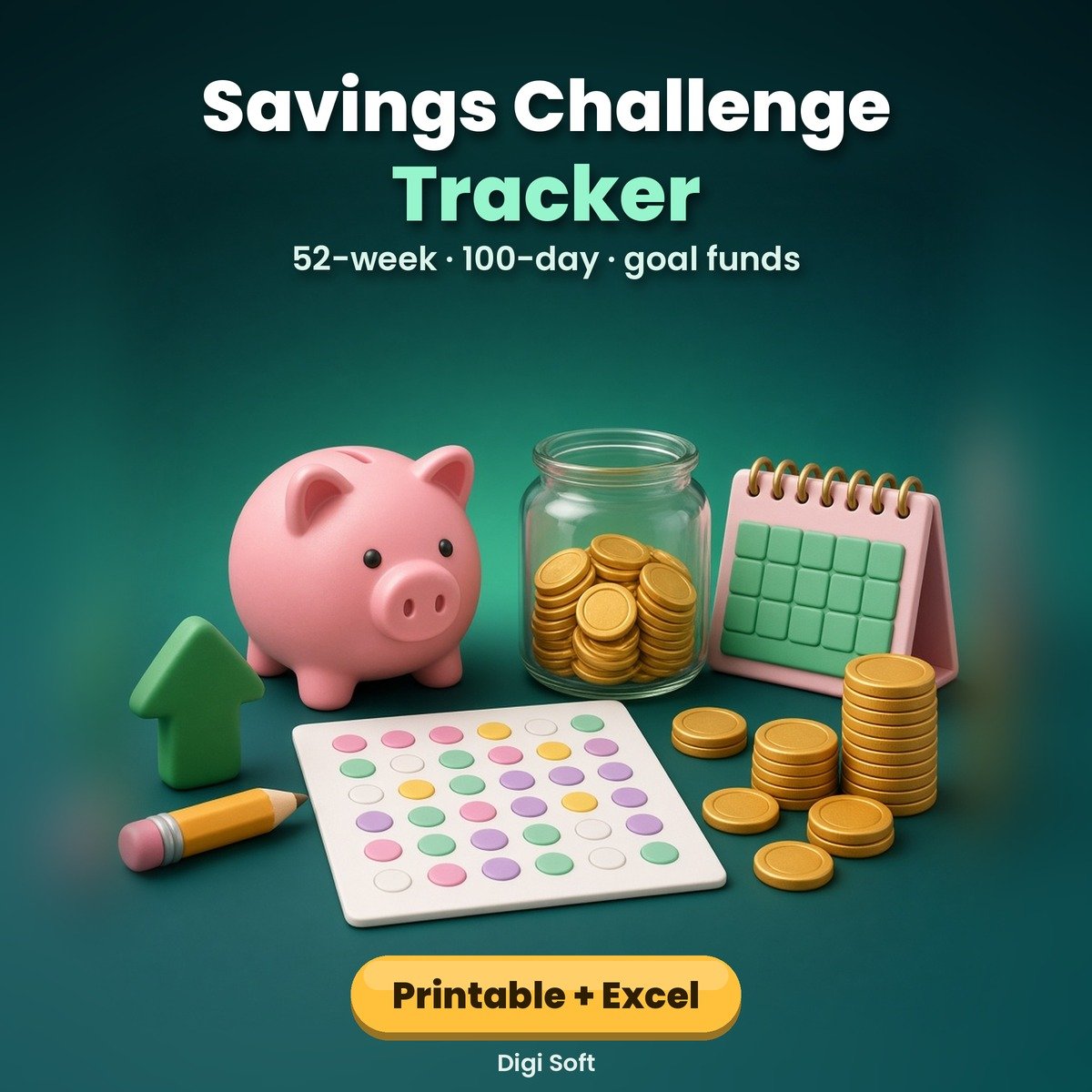
Saving is easier when it feels like a game. Pick a challenge that fits your income, colour a box each time the money moves, and watch the total grow. Every amount is in rupees and every page is undated, so you can start any week.
What you get
- 15-page printable A4 PDF: how to choose a challenge, 52-week challenges in ₹10, ₹50 and ₹100 steps (totals ₹13,780 / ₹68,900 / ₹1,37,800) with running totals
- 100-day challenge (₹5,050, or ₹50,500 with ×10), ₹10,000 chart (100 × ₹100) and ₹1 lakh chart (200 × ₹500)
- 30-day no-spend challenge, savings goals planner, 6 goal jar trackers, emergency fund tracker, monthly savings log, spending swaps page and year summary
- Excel / Google Sheets with 7 tabs: choose your start date, step amount and normal or reverse order; dates and amounts fill in, tick weeks as you save, see saved so far, % done and next amount; goals with save-per-month; savings log and monthly dashboard
Files included
- Savings-Challenge-Tracker-Rupees.pdf (15 pages, A4, undated, print-ready)
- Savings-Challenge-Tracker-Rupees.xlsx (opens in Excel, Google Sheets, LibreOffice, WPS)
- README.txt
Who it is for
Students, young earners, couples and families who want to build a savings habit or save for a goal like a phone, trip, festival, wedding season or an emergency fund.
Please note
An original habit tracker by Digi Soft. It helps you track saving; it is not financial advice and no return is promised. Images on this page are illustrations. Instant digital download after payment, for personal use.
How to pay: only through the digisoftwar.com checkout (Razorpay). We never ask you to pay by any other link, QR code or bank account. If anyone asks you to, do not pay, and tell us at [email protected] or on WhatsApp +91 95665 27786.
FAQ
Which challenge should I pick?
If money is tight, start with the ₹10 or 100-day challenge. If you can save ₹1,000–₹2,000 a week, try the ₹50 steps or the ₹1 lakh chart.
Does it work in Google Sheets?
Yes. Upload the .xlsx to Google Drive, open it with Google Sheets and choose File > Save as Google Sheets. It then works on your phone in the Google Sheets app and can be shared with family.
Can I start in the middle of the year?
Yes. It is undated. Type any start date in the spreadsheet and the 52 weekly dates follow.
What is the reverse order?
You save the biggest amount first and the smallest last, which helps if December is an expensive month.
Is it a physical product?
No. It is an instant digital download you can print on A4 at home or at a print shop.
No reviews found!








No comments found for this product. Be the first to comment!