
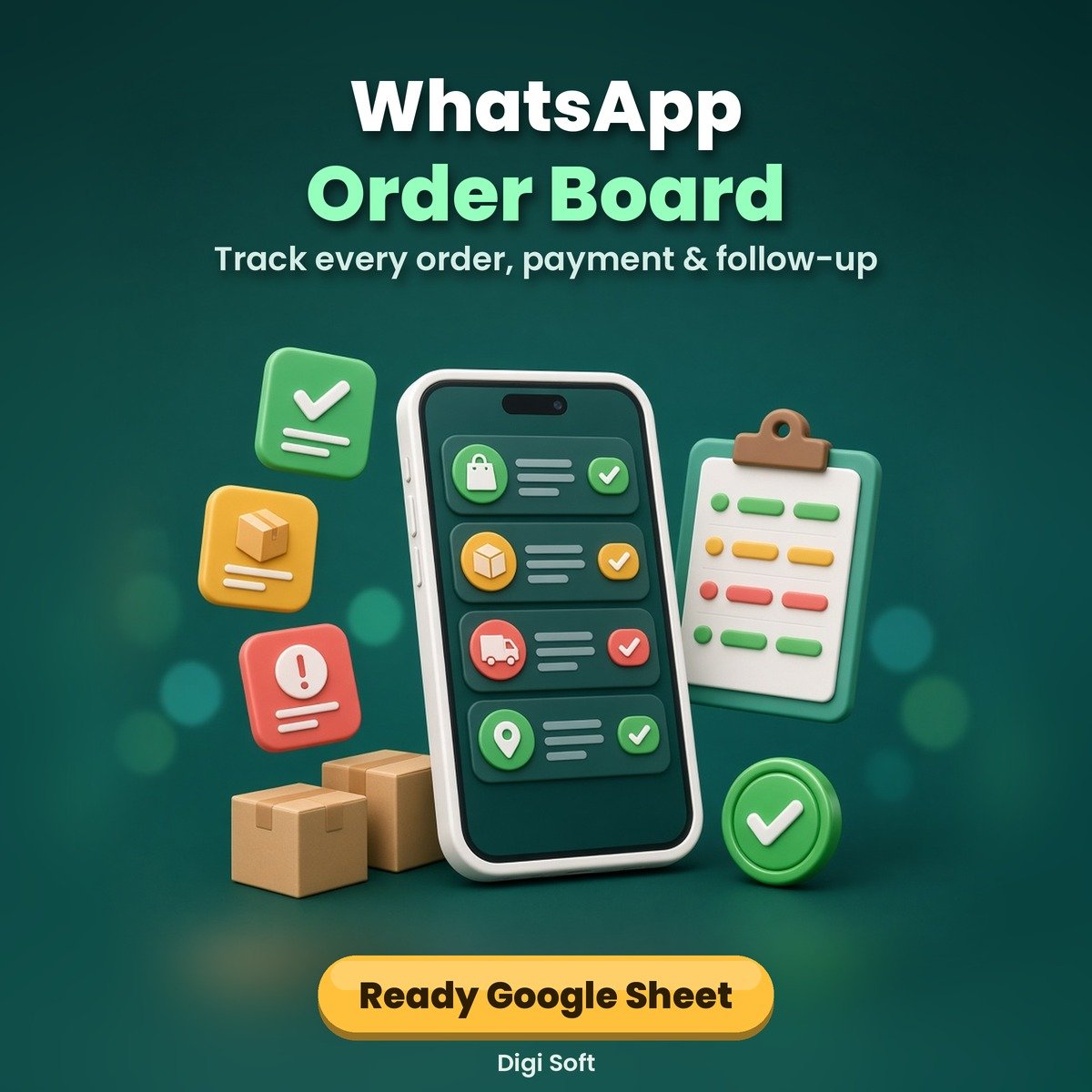
Selling on WhatsApp? Orders hide in long chats, "I'll pay tonight" turns into silence, and a payment screenshot is not always real money. The WhatsApp Order Board gives every order one row, one status and one follow-up date, so nothing slips through and you always know what is unpaid.
What you get
- Order sheet with 500 ready rows: date, customer, phone, item, qty, amount (auto), address, status, payment mode, UTR / payment ref, matched-in-bank Y/N, follow-up date, notes
- Status dropdown: New / Waiting on customer / Waiting on me / Paid / Done
- Red row alert when an order is older than 2 days and not Paid or Done, plus amber rows for follow-ups due
- Payment-safety columns with a caution against fake or reused UTR screenshots: mark Paid only after the money shows in your own bank or UPI app
- Dashboard: orders and rupee totals by status, overdue orders, follow-ups due, paid-but-not-matched payments, unpaid value and this month's totals
- Step-by-step guide to import into Google Sheets (phone-friendly) or use in Excel
- 11 ready WhatsApp reply scripts for every order step, from enquiry to thank-you, to save as Quick Replies
Files included
- WhatsApp-Order-Board.xlsx (opens in Google Sheets, Excel and LibreOffice)
- WhatsApp-Order-Board-Guide.pdf (7 pages)
- WhatsApp-Order-Board-Guide.docx (editable)
- Reply-Scripts.txt
- README.txt
Who it is for
Home businesses, boutiques, food and gift sellers, resellers and any small shop that takes orders on WhatsApp and wants a simple, low-cost way to stay organised.
Growing fast?
When your chats and team grow beyond a sheet, Watifai CRM (watifai.com) is Digi Soft's WhatsApp CRM for growing sellers. No rush: the Order Board is yours to keep.
Please note
Independent template by Digi Soft, not made or endorsed by WhatsApp, Meta, Google or Microsoft. The board helps you keep track; it does not guarantee sales, payments or deliveries and does not detect fraud for you. Always confirm money in your own bank or UPI app before dispatch. Instant digital download after payment.
How to pay: only through the digisoftwar.com checkout (Razorpay). We never ask you to pay by any other link, QR code or bank account. If anyone asks you to, do not pay, and tell us at [email protected] or on WhatsApp +91 95665 27786.
FAQ
Does it work in Google Sheets?
Yes. Upload the .xlsx to Google Drive, open it with Google Sheets and save it as a Google Sheet. The guide shows each step, and how to re-add the colour rules if they do not carry over.
Can I use it on my phone?
Yes. Once it is a Google Sheet, open it in the Google Sheets app. You can also share it with a family member or staff member.
How does the red alert work?
Any order whose date is more than 2 days old and whose status is not Paid or Done turns red and shows CHASE in the Flag column, so you can clear those first every morning.
Does it check if a payment is real?
No sheet can do that. The board reminds you to match the amount, date and UTR in your own bank or UPI app before marking an order Paid, and flags Paid orders that are not yet matched.
Do I need any software?
No paid software. Google Sheets is free with a Google account; Excel or LibreOffice also work.
Is this made by WhatsApp?
No. It is an independent template by Digi Soft.
No reviews found!









No comments found for this product. Be the first to comment!