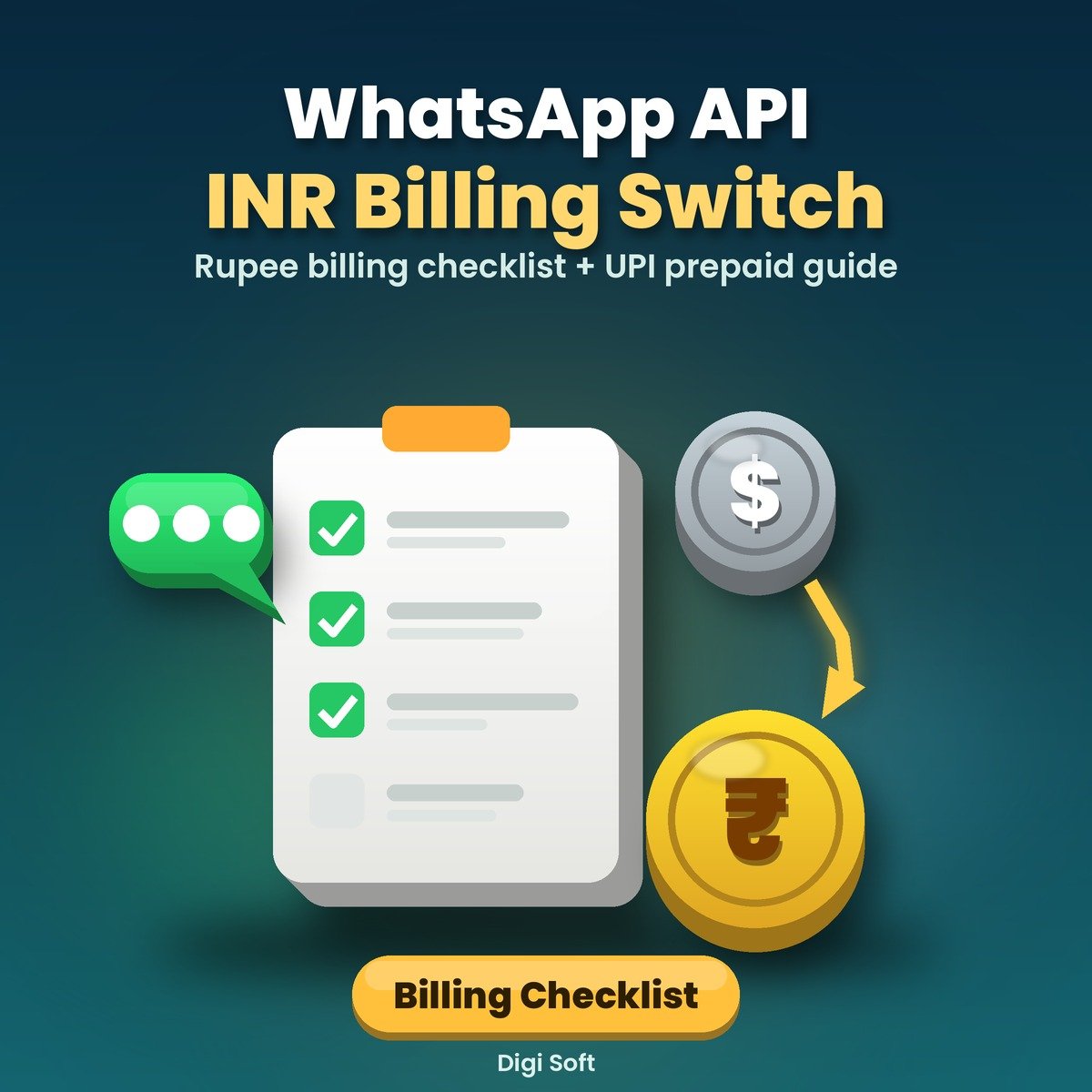
Running WhatsApp Business API in India? Meta is moving eligible Indian businesses to rupee billing. Per Meta's notice (checked on Meta's own pages on 23 October 2026), eligible businesses whose Sold-To country is India should have every WhatsApp Business Account in their portfolio migrated to INR by 31 December 2026, and from 1 January 2027 Meta says it will no longer deliver messages from eligible businesses' non-INR accounts. This kit helps you check whether that applies to you and work through the switch calmly, step by step.
What you get
- 2-minute check: does the INR switch apply to your business? (Sold-To country, currency, who bills you)
- What Meta's notice says, quoted with links to Meta's own Help Center and developer pages
- 5-step checklist: find every account, choose your route (provider, Meta Business Suite or API), before-switch, switch-day and after-switch checks
- What changes when an account is migrated: phone numbers stay, template IDs change, which Flows and accounts are not covered
- UPI prepaid billing guide for India: how the balance check works, why the UPI-or-card choice matters, and a weekly balance routine
- Troubleshooting table for error 131042 ("Business eligibility payment issue") and other payment-related failures, including messages that show 'accepted' but never arrive
- Ready-to-send messages for your provider, Meta Support and your team
- Excel account inventory, migration tracker and UPI balance log
Files included
- WABA-INR-Switch-Kit.pdf (14 pages)
- WABA-INR-Switch-Kit.docx (editable)
- WABA-Account-Inventory.xlsx
- Ready-Messages.txt
- README.txt
Who it is for
Business owners, marketers, agencies and developers in India who use the Official WhatsApp Business API, directly or through a provider.
Prefer a done-for-you switch?
Our 2desh team (Digi Soft's Official WhatsApp API service) can review your accounts and handle the INR switch with you. Ask us for a quote at [email protected] or WhatsApp +91 95665 27786.
Please note
Independent guide by Digi Soft, not made or endorsed by Meta or WhatsApp. Meta's rules, dates and screens can change, so always check your Billing settings in Meta Business Suite and Meta's current pages before acting. No message delivery, approval or migration outcome is guaranteed. Not legal, tax or accounting advice. Instant digital download after payment.
How to pay: only through the digisoftwar.com checkout (Razorpay). We never ask you to pay by any other link, QR code or bank account. If anyone asks you to, do not pay, and tell us at [email protected] or on WhatsApp +91 95665 27786.
FAQ
Does the INR billing switch apply to my business?
Per Meta's notice, it applies to eligible businesses whose Sold-To country in Meta's Billing Hub is India. The kit's 2-minute check shows you where to look. If you are unsure, check your Billing settings in Meta Business Suite and ask your provider.
What happens to my phone number and templates?
Per Meta's developer page on changing billing currency, your phone numbers stay where they are and templates are copied to a new account, but template IDs change. The kit lists what to check before and after.
What does error 131042 mean?
Meta's error-codes page describes 131042 as an error related to your payment method (title: "Business eligibility payment issue"). On UPI prepaid accounts, a low balance is one possible cause. The kit has a symptom-by-symptom troubleshooting table.
Should I choose UPI prepaid or a card?
Meta's prepaid billing page says the first payment method you set up decides prepaid (UPI) or invoiced (card) billing, and it cannot be changed later. The kit compares both so you can choose before you pay.
Is this made by Meta?
No. It is an independent guide by Digi Soft that quotes and links Meta's own pages, checked on 23 October 2026.
Can you do the switch for me?
Yes, our 2desh team can help. Contact us for a quote; pricing depends on how many accounts and connected tools you have.
No reviews found!





No comments found for this product. Be the first to comment!