
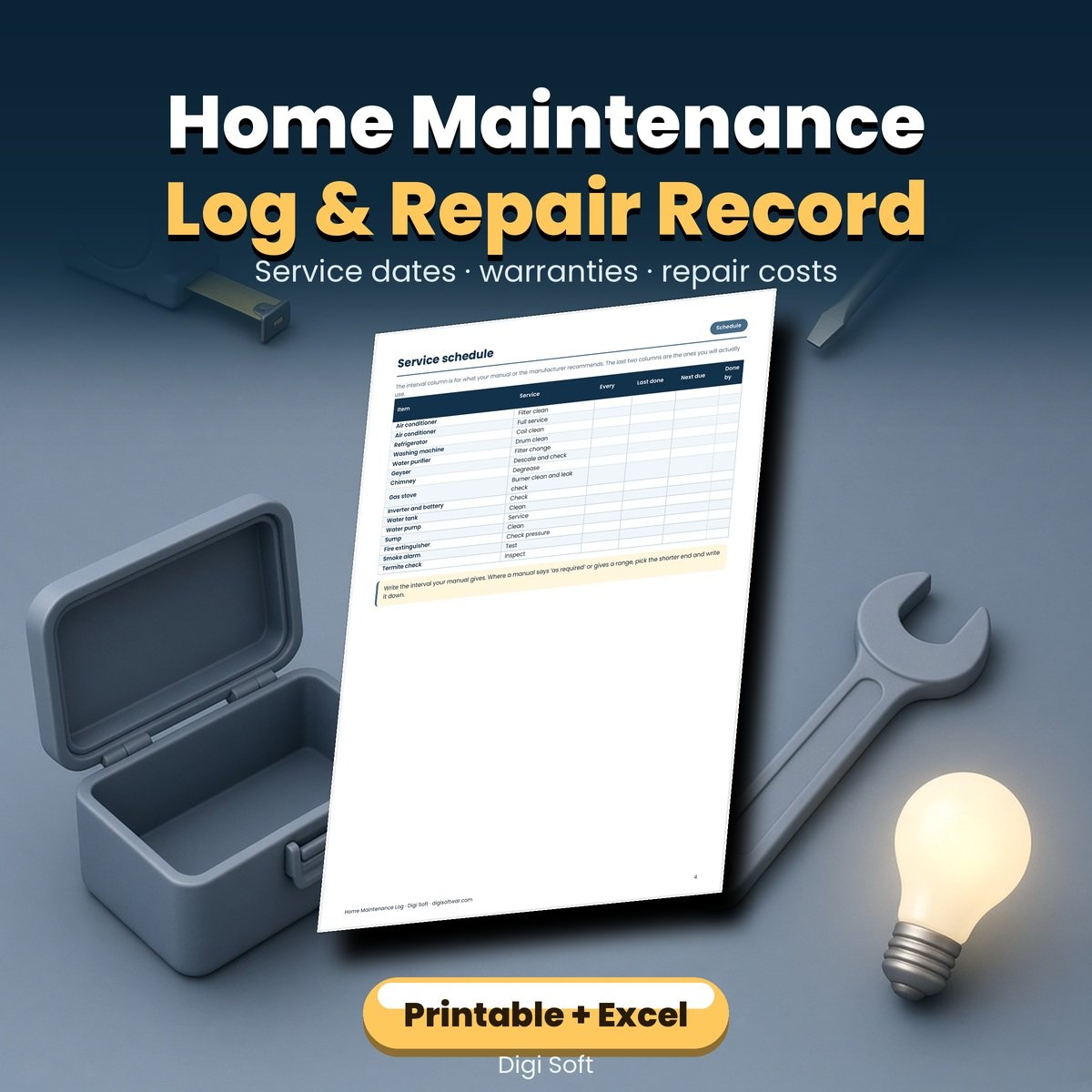
Home Maintenance Log & Repair Record
Printable A4 PDF + Excel tracker
Every appliance, service date and repair bill for your home in one register.
Skip this and three things happen. A service date passes and a warranty quietly ends. The same repair gets paid for twice because nobody wrote down what was replaced. And when you sell or rent the place out, you have no record of upkeep at all.
What's included
- 15-page printable A4 PDF: start-here guide, appliance and fitting register, service schedule, repair and service log, warranty and bill tracker, contractor list, yearly deep check by area, paint and fittings record with shade codes, yearly cost summary, seasonal calendar, a repair request log for rented homes, blank grid, notes and a print guide
- Excel tracker with seven tabs: an appliance register, a service log that calculates the next due date from the interval in months, a due-and-overdue list sorted by date, a repair log, a warranty tracker with months remaining, a cost summary by year, and a contractor list
- The paint and fittings page is the one people come back for years later, when a wall needs touching up and nobody remembers the shade code.
Who it's for
Homeowners, landlords and tenants who want a written record. Useful from the day you move in, because the first year is when most warranties are still live and easiest to claim.
How to use it
- Walk through the house and write every appliance and fitting on the register. Copy model and serial numbers from the sticker on the item.
- Fill the service schedule from the manuals you still have. Where a manual is gone, use the manufacturer's recommended interval.
- Write the warranty end date and photograph the bill, naming the photo like the line in the tracker.
- Do the yearly deep check once a year, in the same month, and note what needs work.
- Update the cost summary at the end of the year, then compare it with last year before deciding whether to repair or replace anything big.
File formats and sizes
- Home-Maintenance-Log-Repair-Record.pdf — 15 pages, A4, print-ready at 100% scale (280 KB). Also opens in any PDF writing app on a tablet.
- Home-Maintenance-Tracker.xlsx — 7 tabs, opens in Excel, Google Sheets, LibreOffice and WPS (20 KB).
- README.txt — print order and a short setup guide.
Please note. This is a record-keeping printable. It does not tell you how to repair an appliance and it is not a safety inspection. For anything involving gas, mains wiring or a load-bearing wall, use a qualified professional. Images on this page are illustrations.
Questions
I rent my home. Is this still useful?
Yes. There is a repair request log with a column for who agreed to fix what, and the rest of the register is useful for your own records.
Is it dated?
No. The service schedule uses intervals in months, so it works for any year and any appliance.
How does the Excel file calculate the next service?
You enter the date and the interval in months, and it calculates the next due date. The due tab then sorts everything by that date and flags anything overdue.
Does it work in Google Sheets?
Yes. Upload it to Drive, open with Google Sheets and choose File > Save as Google Sheets.
Do I need to know appliance model numbers?
You will need the model and serial number if you ever claim a warranty, and they are printed on a sticker on the appliance. Copy them once and they are on record.
Instant download after payment. Works on phone, tablet and desktop.
No reviews found!







No comments found for this product. Be the first to comment!